FluxPOS mark
FluxPOS One App...Total Flow.
Offline-first Android POS

Move faster at the counter.One App...Total Flow.

FluxPOS is built for operators who need speed, clarity, and recovery under pressure. Scan items, type large quantities directly, add customers at checkout, preview receipts before payment, reprint marked copies, and keep selling even when the network drops.

OfflineLocal-first sales and sync recovery keep checkout moving.
BarcodeProduct setup and cart entry both support scan-first flow.
Receipt-readyPreview, logo presets, reprint tagging, and printer diagnostics built in.
Android-native workflow USB, Bluetooth, Wi-Fi printer setup Manual sync + outbox recovery Shift closeout and reports
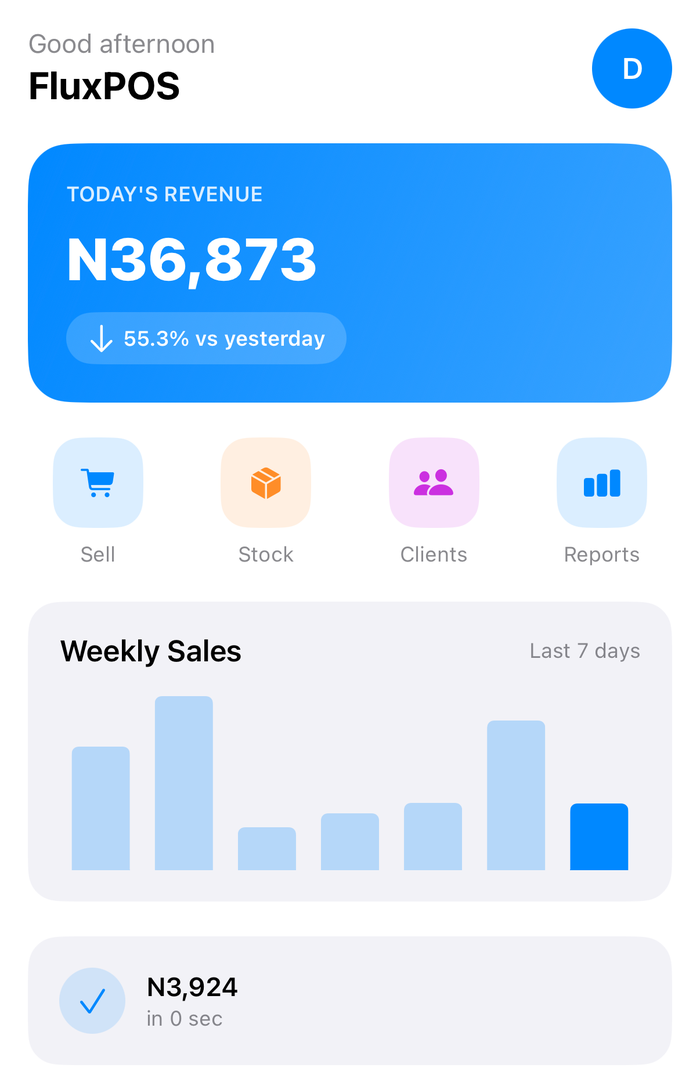
FluxPOS dashboard and checkout illustration

Feature-rich where it matters.

FluxPOS is not trying to be every POS on the market. It is focused on the work that actually happens at the counter: sell fast, sync safely, print reliably, and recover cleanly when something breaks.

Checkout

Fast cashier flow

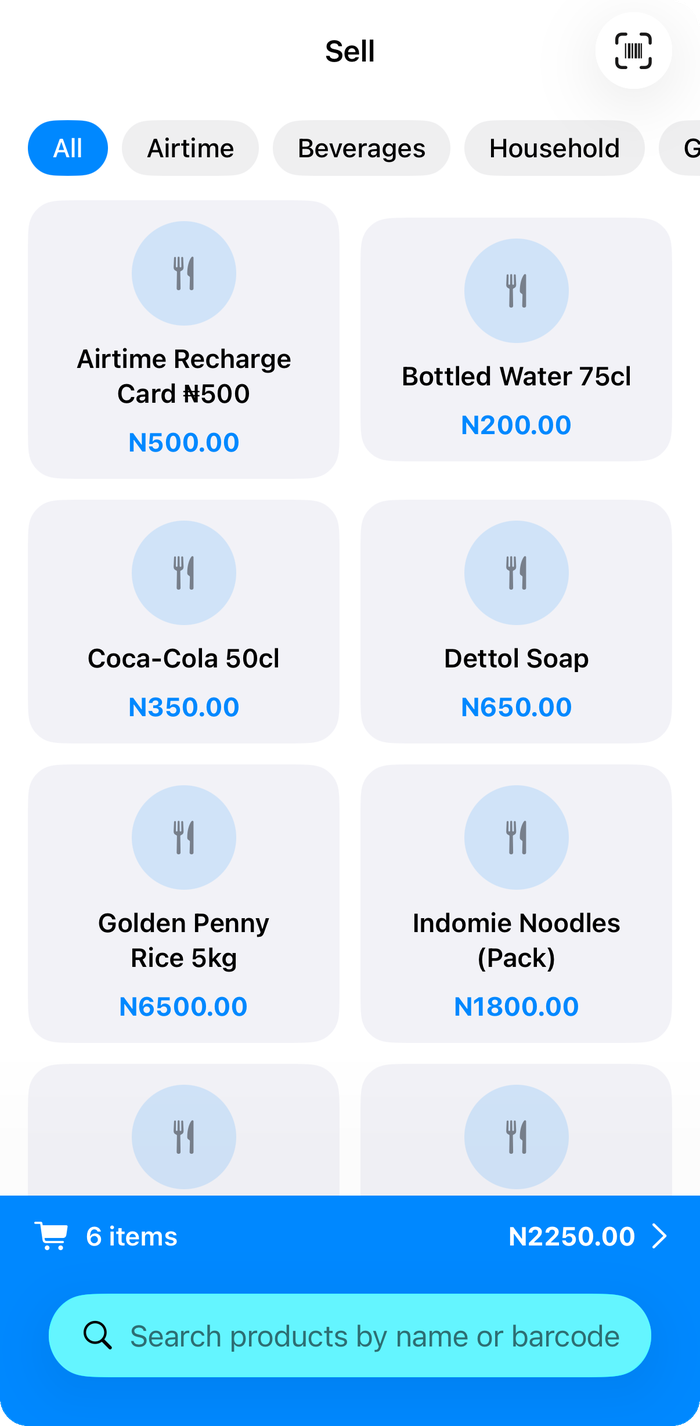
Type quantities directly, scan products into cart, attach customers instantly, override tax when needed, and complete payment only after a branded receipt preview confirms the sale.

FluxPOS checkout and receipt preview illustration
Sync

Offline-first by design

First login bootstraps local data. Newer local edits are protected during sync, failed operations are exposed, and staff can retry failed sync without losing momentum.

FluxPOS offline sync illustration
Hardware

Printer control built in

Save printers, run test prints, choose receipt presets, track failed print jobs, reprint later, and keep operators informed instead of guessing what happened at the hardware layer.

FluxPOS printer setup illustration

Operational control without dead weight.

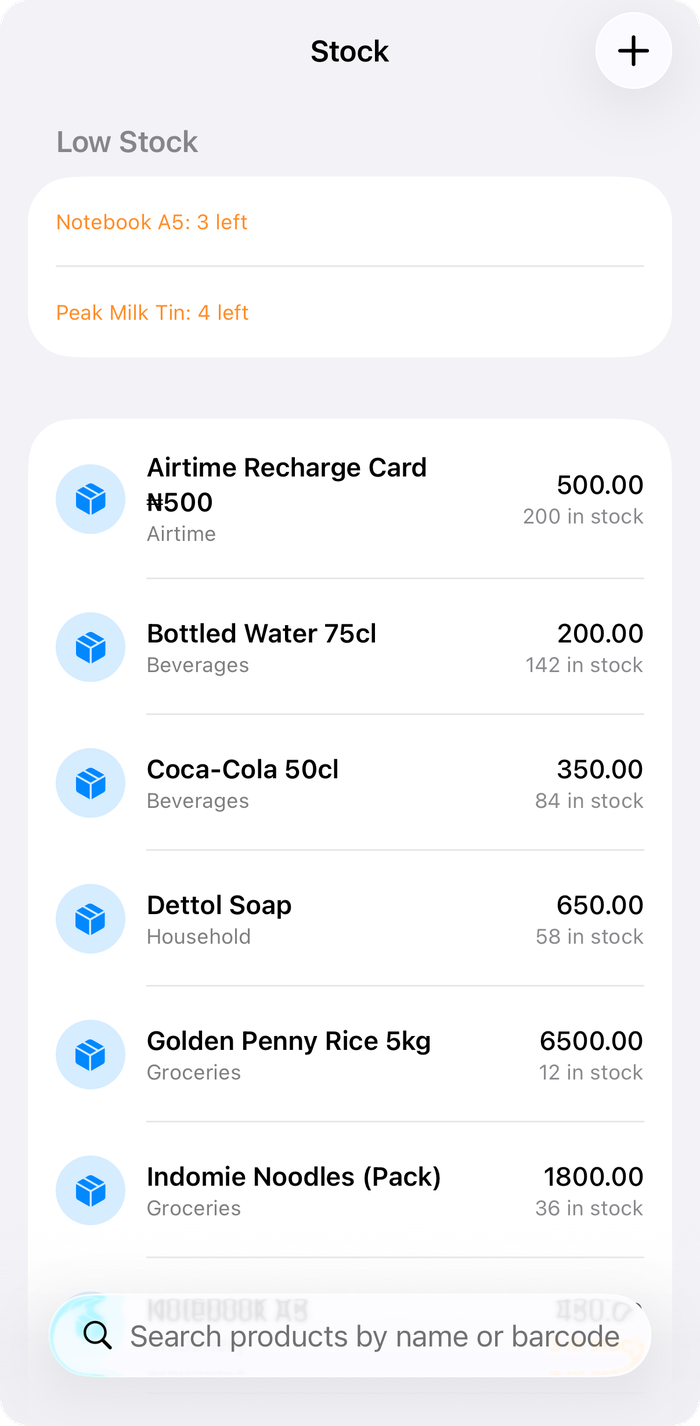
Beyond checkout, FluxPOS gives operators enough control to run the day cleanly: shift closeout, reprints, refund and void trails, customer capture, product management, employee setup, and admin visibility over records and sync state.

Designed for live retail pressure

Every major screen is built around readable totals, stronger contrast, scan-first workflow, and a recovery path when printing or connectivity fails. That means fewer stalls at the counter and fewer silent mistakes at closeout.

FluxPOS operator console

Receipts that look intentional

Preset designs, logo support, receipt preview, and clearly marked reprints help the output feel branded instead of generic.

Receipt design preview

Control over printers and sync

Operator-facing diagnostics make it easier to see when a printer, queue, or sync action needs attention.

Printer and sync diagnostics illustration

One app, full operational flow.

From first login to end-of-day closeout, the product is structured around a clean rhythm: bootstrap local data, sell without friction, recover from hardware issues, and keep every corrective action traceable.

1Bootstrap locally

The first successful login performs a compulsory sync so products, customers, employees, and settings are available locally before staff starts selling.

2Sell fast

Barcode scanning, direct quantity entry, customer add-at-cart, tax overrides, and payment defaults reduce taps and keep the cart moving.

3Recover cleanly

If printing or sync fails, the sale stays saved. Staff can retry failed prints, inspect queues, and continue without data loss.

4Close the day

Reports, shift closeout, refunds, voids, and reprints all remain visible so operators finish the day with a traceable audit path.

Ready to explore FluxPOS?

Use the admin console for business setup, keep the web POS available when needed, and point native Android devices at the same live backend.

Open Admin